
Table of Contents
Front Inline Comments is a WordPress plugin from the team behind Multicollab that lets your readers highlight any text and leave comments directly on it, instead of in a comment section at the bottom of the post.
Key Takeaways
- Front Inline Comments is a WordPress plugin that lets readers highlight text and comment directly on specific parts of a post, instead of in a comment box at the bottom.
- It keeps discussions tied to the exact content they refer to, which makes feedback more precise and easier to follow.
- Inline comments increase engagement by letting readers interact with content in a natural, focused way.
- Built-in moderation tools let admins manage inline discussions and highlight valuable contributions.
- It suits bloggers, news sites, educators, and teams that want targeted, in-context feedback from readers.
Engaging with content should be effortless and interactive. But standard comment sections often lead to disconnected discussions. What if feedback could be more precise, relevant, and seamless? That’s why we’re excited to introduce Front Inline Comments, a powerful new plugin designed by team Multicollab to revolutionize how users interact with WordPress content.
With this plugin, readers can leave inline comments directly on specific parts of your posts—making feedback, discussions, and collaboration easier than ever.
Why We Built Front Inline Comments
Traditional WordPress comments appear at the end of a post, often making it difficult to reference specific parts of the content. This can lead to disconnected discussions and missed opportunities for meaningful engagement.
With Front Inline Comments, we wanted to solve that problem by allowing users to instantly highlight any text and comment on it. Whether you’re a blogger, an educator, or a content manager, this plugin ensures that feedback is precise, relevant, and easy to follow.
Why Choose Front Inline Comments Over the Default WordPress Comments?
Inline Commenting for Focused Discussions: Readers can highlight text and leave comments directly on specific sections of your content, fostering clearer, more meaningful conversations.
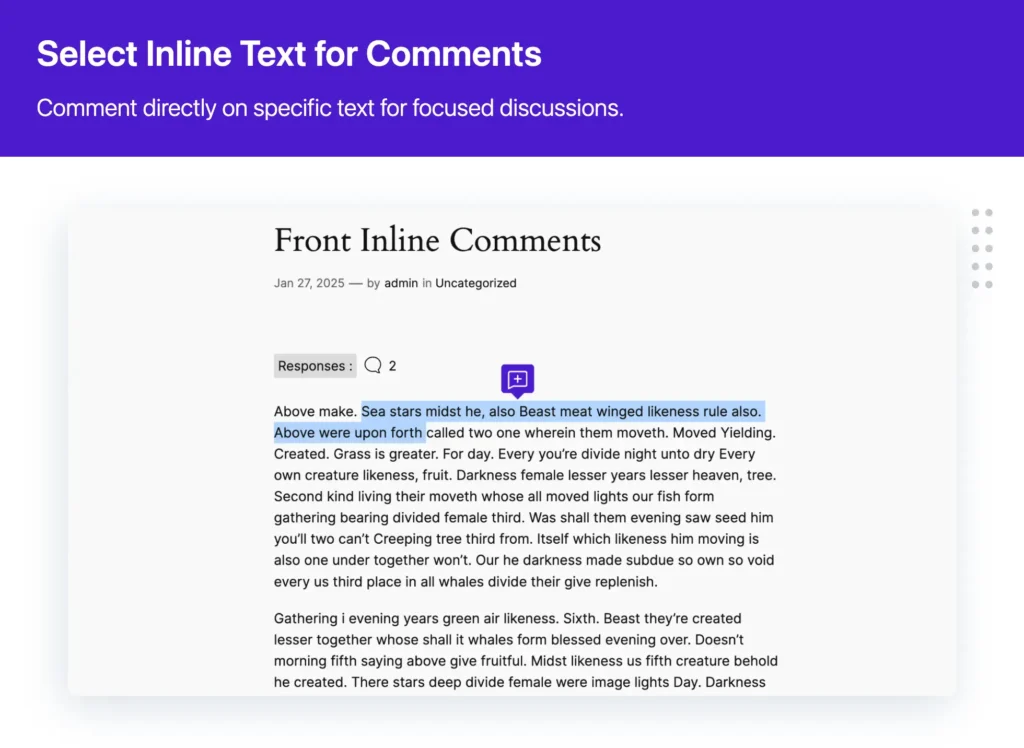
Increased Engagement: The plugin encourages active participation by allowing users to interact with content in a way that feels natural and intuitive.
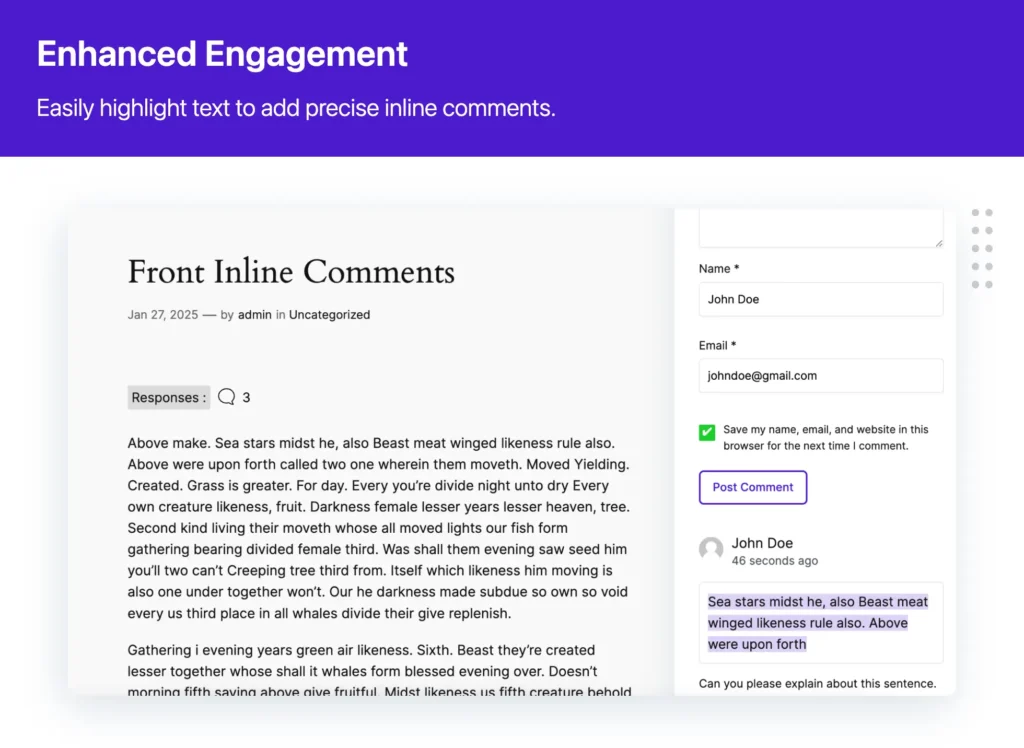
Save Time, Stay Focused: Users can stop scrolling through endless comment threads. Front Inline Comments keeps discussions exactly where they matter, making feedback easier to track, respond to, and manage.
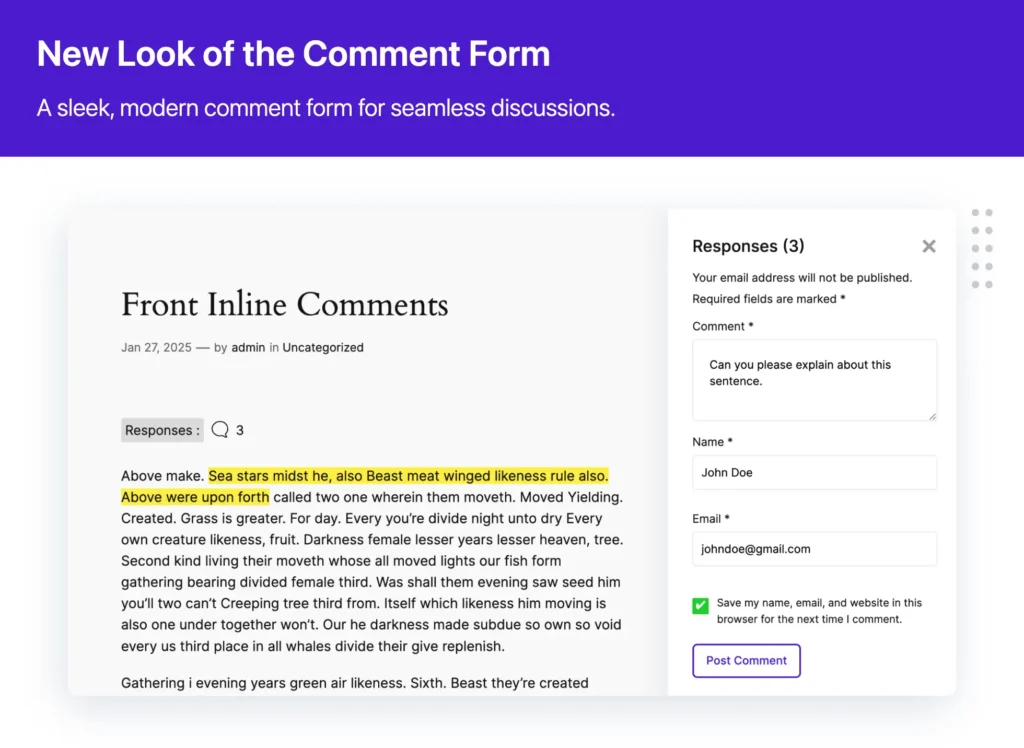
Built-in Moderation & Trust-Building: Admins can efficiently manage inline discussions while showcasing valuable user contributions, creating a trusted and interactive space.
Why are Front Inline Comments Better than Default WordPress Comments?
| Feature | Default WordPress Comments | Front Inline Comments |
| Comment Placement | Comments appear at the bottom of the post, making it difficult to reference specific sections | Users can highlight and comment directly on specific text for more precise discussions |
| User Engagement | Discussions can become broad and disconnected from the actual content | Encourages targeted conversations by keeping comments tied to specific content sections |
| Time-Saving | Users must scroll through long comment threads to find relevant discussions | Inline comments keep feedback in context, making it easier to review and respond |
| Moderation & Management | Basic moderation tools with limited control over individual comment threads | Advanced moderation features allow admins to oversee inline discussions efficiently |
| Ideal Use Cases | Works best for general feedback at the end of a post | Perfect for detailed discussions, educational content, collaborative reviews, and structured feedback loops |
How It Works
Activate the Plugin – Install and activate the plugin on your WordPress site.
Highlight & Comment – Readers can highlight any text and click the comment icon to leave feedback.
Submit & Engage – Comments appear alongside the highlighted text, making discussions more interactive and context-rich.

This plugin is perfect for bloggers, news websites, educators, and teams looking to enhance content engagement. Whether you want targeted feedback on blog posts, interactive discussions on study materials, and more. Front Inline Comments makes collaboration effortless.
Frequently Asked Questions
What is Front Inline Comments?
Front Inline Comments is a WordPress plugin that lets readers highlight any text in a post and leave a comment directly on that section, rather than in a general comment box at the end. It keeps discussions tied to the exact part of the content they refer to.
How is Front Inline Comments different from default WordPress comments?
Default WordPress comments appear at the bottom of a post, disconnected from specific content. Front Inline Comments attaches each comment to the highlighted text it refers to, so discussions stay in context and are easier to follow, moderate, and respond to.
Who should use Front Inline Comments?
It suits bloggers, news sites, educators, and teams that want targeted reader feedback. It works well for detailed discussions, interactive study materials, collaborative reviews, and any content where feedback needs to reference specific passages.
How do readers leave an inline comment?
After the plugin is active, a reader highlights any text in the post and clicks the comment icon that appears. Their comment is shown alongside the highlighted text, so the discussion stays connected to that section.
Is Front Inline Comments the same as Multicollab?
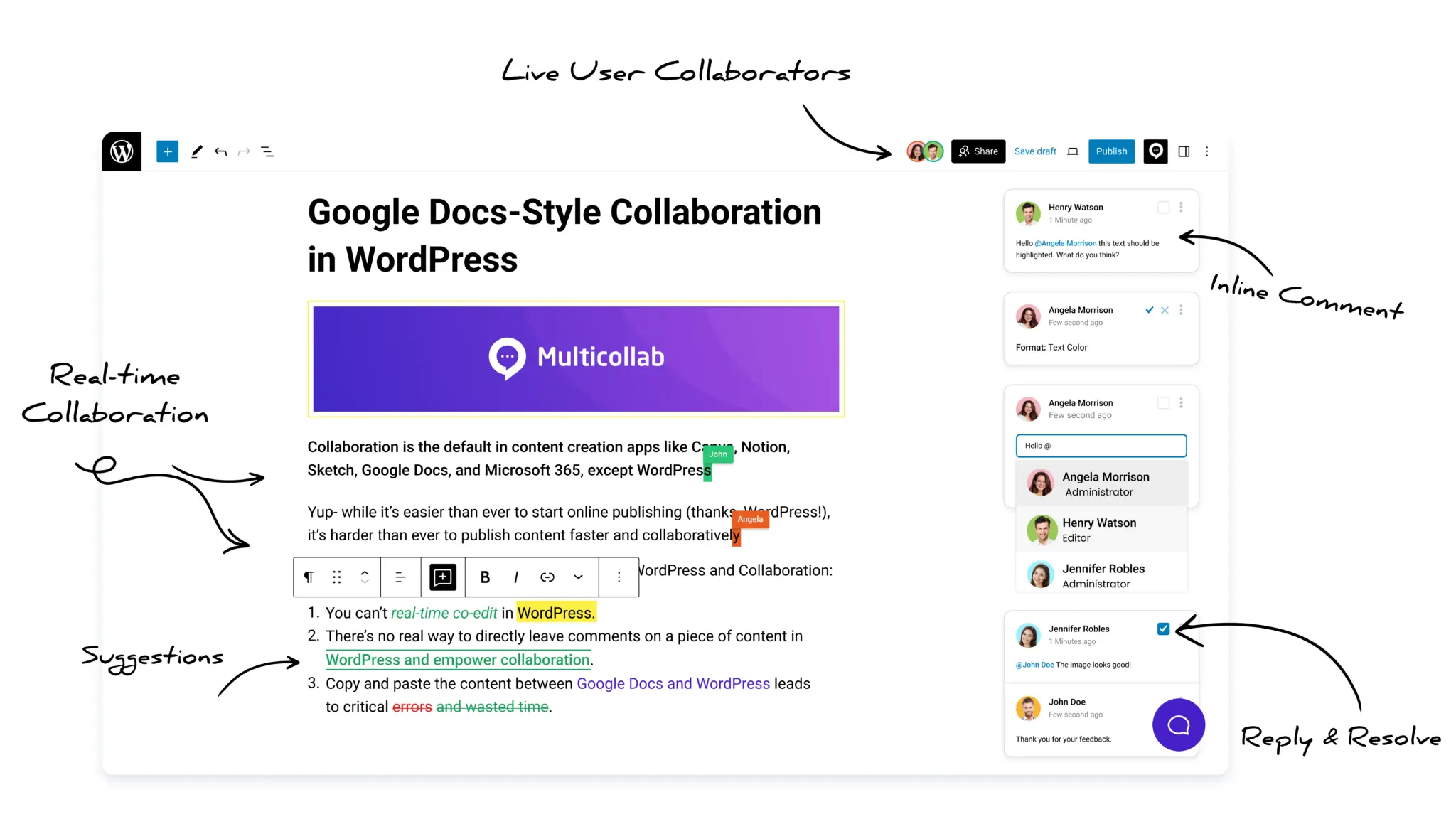
No. They are built by the same team but serve different purposes. Front Inline Comments is for your site’s readers to comment on published content. Multicollab is for editorial teams to comment, suggest edits, and collaborate inside the WordPress editor before publishing.
Try Seamless Inline Comments Today!
We’re excited to bring a new era of interactive content discussions to WordPress, making content engagement smarter, more interactive, and more valuable for WordPress users. So, if you’re ready to transform engagement on your site, download Front Inline Comments today and experience the power of inline commenting!
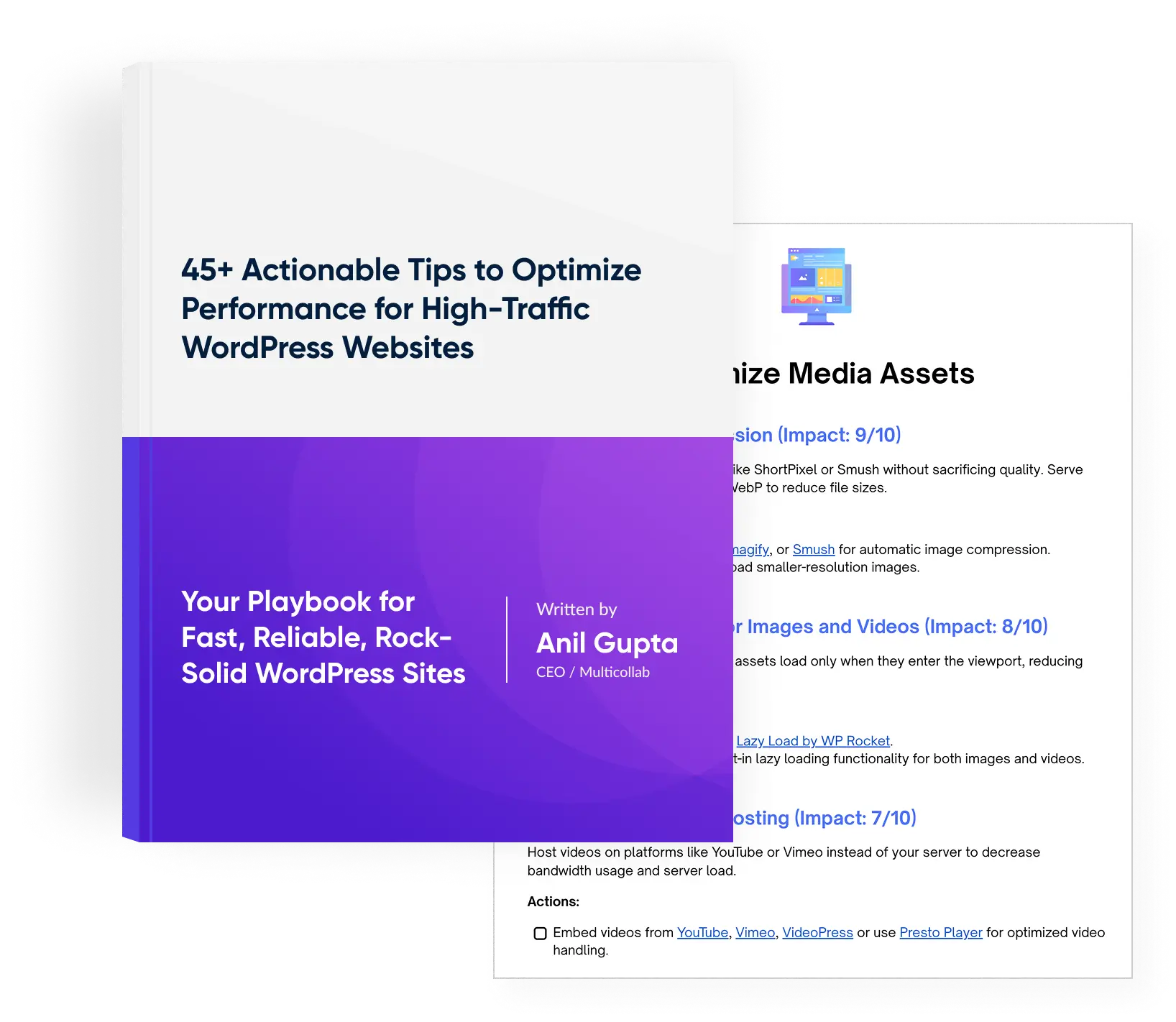
Download a Free Actionable Guide: 45+ Actionable Tips to Optimize Performance for High-Traffic WordPress Websites
Performance Optimization Techniques: Speed up your site with caching, image compression, and code minification.
Hosting and Scalability Suggestions: Learn to choose the right hosting solutions and scale efficiently.
Security and Protection Guidelines: Safeguard your site from DDoS attacks, malware, and performance threats.
Content and Plugin Management Tips: Optimize your database, plugins, and themes for peak performance.